

Published: 09-04-2026 09:13 | Updated: 09-04-2026 09:13
Change to the login process for KI systems
On 16 April, the central login function for KI systems will be updated. You will then need to enter your email address instead of your KI ID when logging in.
When you log in today using KI’s single sign-on (SSO) system, you will be asked to enter your KI ID and password.
From 16 April, you will instead be asked to enter your email address, just as you do when you sign in to Microsoft 365 or your Karyon client with Windows 11.
This is due to a technical update that makes the system more secure whilst also making it easier for you as a user – you’ll simply need to use your KI-ID less and less often, and can use your email address in the vast majority of cases.
Step-by-step guide to logging in
The login process itself involves the same number of steps as before:
- Enter your email address.
- Enter your password.
- If you are logging in to a service that requires MFA, you will be prompted to verify your identity. Verify the login on your phone.
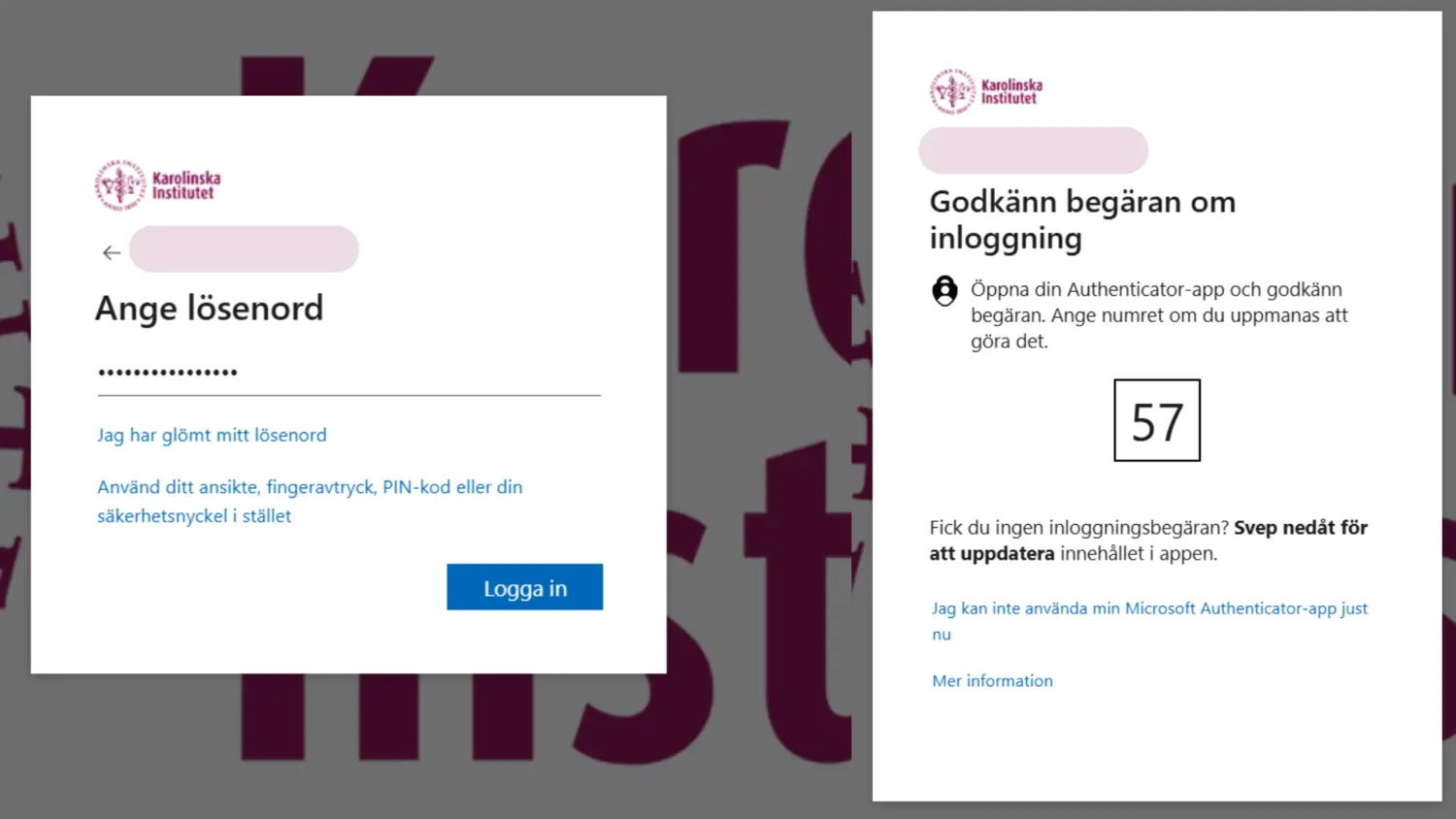
Login procedure.