

Published: 20-04-2026 16:23 | Updated: 20-04-2026 16:23
Microsoft Teams: a new form for creating teams
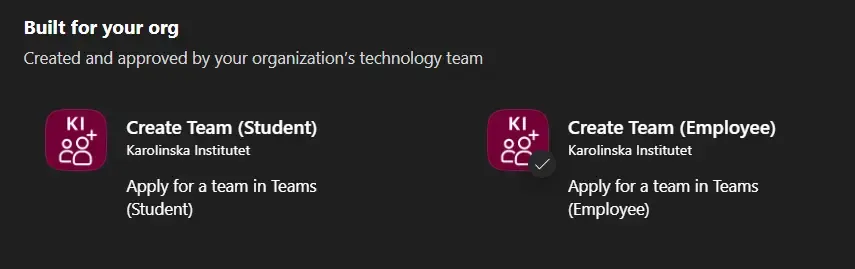
App to create a new team i Teams.
Now you’ll be able to create new teams using a new form, which is easily accessible amongst the apps in Teams.
From 21 April onwards, anyone wishing to create new teams will do so in a new way.
You will use a new form available as a Teams app, called Create Team (Employee).
You’ll see the app listed among the others in the left-hand sidebar of the Teams window. If you can’t find it there, you can access it by clicking on (+ Apps) at the bottom of the sidebar and selecting the ‘Created by your organisation’ category.
This method replaces the previous process, which is simultaneously deactivated.
Additional changes to Microsoft 365
Alongside this update, there are some additional minor changes for Microsoft 365 users:
- SharePoint storage: Groups and pages now have an upper storage limit of 1 TB. This limit also applies to Teams groups.
- OneDrive users who exceed the 1TB storage limit included in their licence will be billed internally to cover the cost of the excess storage. The IT Office will contact the employees concerned by email.
- It will not be possible to create your own Microsoft 365 groups. If you require such groups, please contact Helpdesk. You can still manage existing M365 groups and lists in Outlook.